I've run into a couple of instances where knowing the MySQL Server configuration for a store really helps to debug underlying issues. This plugin updates the Zen Cart® admin's Tools->Server/Version Info module to display that information.
Once the plugin is installed, you'll see additional text at the top of that page's display containing a "Quick Link" to view the database information.

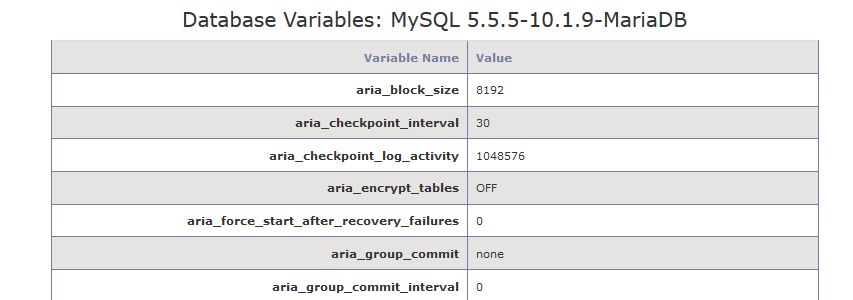
Click that link (or scroll down the page) to view the result of a MySQL SHOW VARIABLES query, as illustrated below.
This section identifies the processes you'll use to either install or uninstall the plugin.
There are two admin-level core-file overwrites required by this plugin; you should always backup your cart's database and files prior to making any changes. Unzip the plugin's package file and then:
- Rename the YOUR_ADMIN folder to match your custom admin folder's name.
- Copy the plugin's files to your store's folder structure:
- /YOUR_ADMIN/server_info.php
- /YOUR_ADMIN/includes/languages/english/server_info.php
Restore the two (2) admin core-files modified by this plugin.
You can view the details of these changes on the plugin's GitHub repository.
- v1.0.0, 2017-01-xx: Initial release.